Whether you use a smartphone, computer, or laptop, it’s your gateway to entertainment, information, and staying connected with your family and friends. So, the thought of your device being hacked can feel alarming and overwhelming. Even a small online mistake can expose your sensitive data to cybercriminals. But you don’t need to be a technology expert to take control of the situation. With the right guidance, you can protect your smartphone and computer and prevent further risk.
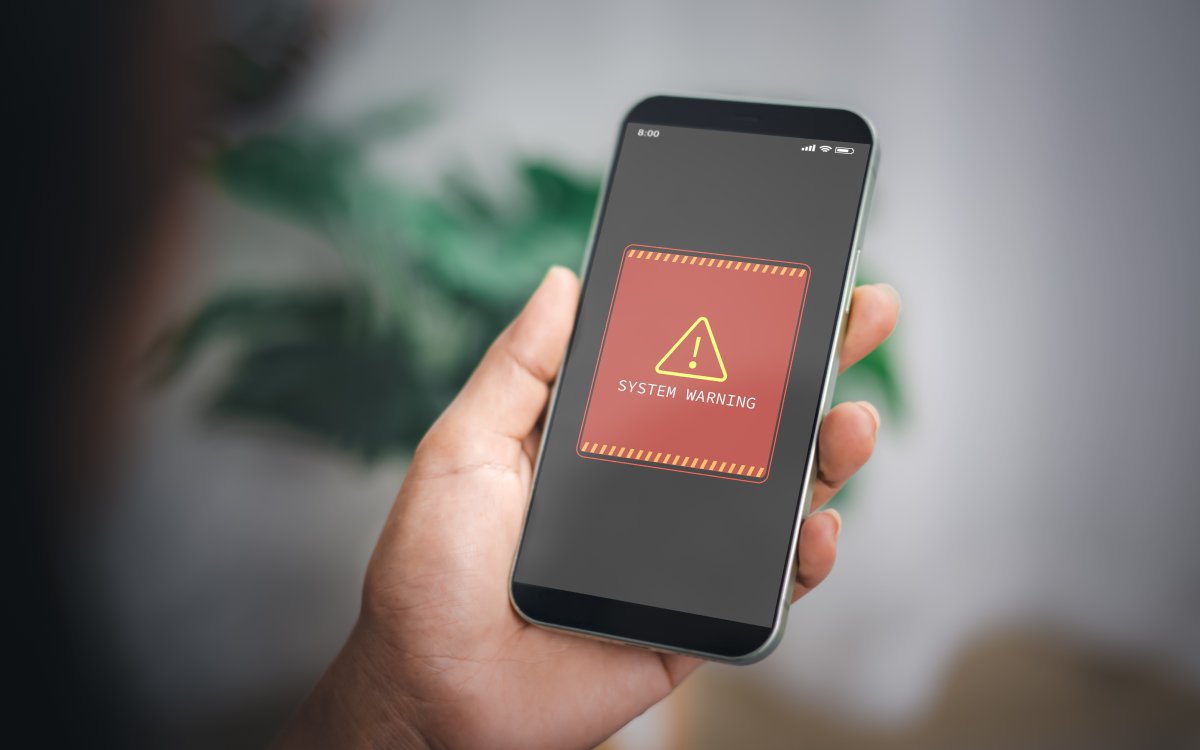
While there are many ways to protect your device at any time, it can still be compromised without your knowledge. So, it is important to watch out for a few warning signs that your smartphone or computer has been hacked.
When apps or web pages take longer to load, it may indicate that your device has been hacked.
If your battery drains faster than usual (even if the device is new) and the device overheats frequently, there’s a good chance malware is running in the background.
Apps that suddenly appear on the screen or outgoing calls you didn’t make are clear indicators that something is wrong with your device.
Sudden data spikes may occur when malware sends information to a hacker.
Any background noise, such as clicks, static, or a distant voice during phone conversations, can indicate the presence of a call-monitoring app.
A simple diagnostic test, at home or with an expert’s help, can confirm a breach. Also, apart from a potential hack, you may even be paying for subscription services that you do not need. Learn about the ones you are paying for and how to stop them to save hundreds of dollars each year.
If you think your device is hacked, the first thing you should do is turn off Wi-Fi and turn on Airplane Mode immediately. This will stop the hacker from accessing more information or spreading malware. If you’re using a laptop, unplug the Ethernet cable to isolate the device from the network. This simple step will prevent further damage or information leak while you take the next steps.
Change all passwords
Yes! This step will take time and can be annoying, but it is nonetheless necessary. If your device is hacked, the best thing you can do is replace all your existing passwords with new, stronger options. Start with your banking, shopping, social media, and email accounts, as these are likely to contain the most sensitive data. Make sure to cover all accounts across apps and websites on smartphones and computer devices. But remember to do this on a device that isn’t infected by malware, as the hacker may still have access to your primary device. Also, use strong passwords that include letters, numbers, and symbols.
Install and run an antivirus and malware scan
Activating device security software or apps is another useful tip for seniors. Whether your smartphone or computer is affected, antivirus software can help detect and remove malware. Most devices have built-in antivirus software that can run scans to identify, isolate, and remove threats. However, for more advanced features, you can explore third-party antivirus solutions like McAfee and Norton.
Update software
Hackers often slip into phones or computers through outdated apps or old system software that still have security gaps. Keeping your device updated is a simple and powerful way to protect yourself. Updates fix security weaknesses, remove old bugs, and help block malware that hackers commonly use. Whether you use iOS, Android, or Windows, enabling automatic updates keeps your device protected and reduces your risk of future attacks.
If nothing resolves the unauthorized access, you may need to reset your device. Remember, a soft reset simply restarts it, while a factory reset clears everything and reinstalls the main software. In more complex cases, a professional reset, done by an expert, is the safest option. Irrespective of the option you choose, always back up important media and files first to avoid losing them.
Uninstall suspicious apps and software
If you notice apps, files, or programs that you don’t remember installing, remove them right away. Hackers often hide malware inside disguised or unfamiliar apps. Look out for programs with strange names, and for software installed on dates you do not recognize. Also, be careful about apps asking for permissions they do not need. There are several spurious shopping websites and apps that may steal your information, even your money. It is important to look out for red flags in these shopping services before you sign up and pay.
Learn How to Stay Safer in the Future
Understanding and following preventive habits is crucial to ensuring the long-term safety of your devices. Some simple habits can help you safeguard yourself against potential cyberattacks. Be wary about clicking links or downloading documents from unknown senders. Always use strong, unique passwords for every account. Furthermore, recognize fake news and misinformation, and ignore alarming pop-ups claiming your device is infected. Also, stay vigilant for scam calls pretending to be support staff or your bank. Legitimate companies never contact you this way.
The Editorial Team at Modern60 is a group of highly skilled professionals with diverse backgrounds in journalism, content creation, editing, and digital media. They bring a wealth of experience and expertise to ensure that every piece of content meets our strict editorial guidelines and quality standards. The team is dedicated to delivering accurate, well-researched, and engaging content across various subjects, including health, wellness, lifestyle, and current events. With their commitment to upholding the highest standards of journalism and content creation, the Modern60 Editorial Team is the driving force behind our mission to empower and inspire our readers.








There are no comments yet