Digital payment platforms have made life convenient in many ways. From paying your bills and buying groceries to making large purchases, everything can happen in just a few taps. While this comfort and ease make managing money much smoother, it also means staying alert to protect your money from online scams and fraud. With a few simple habits, you can keep enjoying the benefits of online payments while keeping your finances and data safe.
Avoid Using Public Wi-Fi for Financial Transactions
Open Wi-Fi networks are generally unsecured or inadequately secured. This makes it easier for hackers to steal your sensitive data when you make transactions online. This particular cyber-threat is known as a man-in-the-middle attack. Additionally, attacks such as session hijacking and packet sniffing can also expose your sensitive information.
Hackers often use fake hotspots to steal card details and logins from unsuspecting users on payment platforms. Once you connect to such networks, your device will automatically reconnect the next time. This puts your data at even greater risk.
To stay safe, avoid using public Wi-Fi networks. If you ever must use it, you can turn on a secure VPN to protect yourself from interceptions or other cyberattacks.
Turn on Transaction Alerts
Keeping an eye on your money is one of the best ways to stay financially safe. Often, hackers and other malicious entities steal money from your account without you even knowing. Most banks and payment apps let you receive real-time notifications when money leaves your account. You may receive these notifications through emails or text messages.
These alerts help you track down any instances of fraud as soon as they happen. Once you get such messages, you can inform your bank and local law enforcement authorities to recover your money and prevent further unauthorized transactions.
When it comes to online fraud, quick action matters for many reasons. For example, many scams involve instant real-time payments, allowing fraudsters to withdraw funds immediately once they break into your online account. This means once money leaves your account, it may be difficult to get it back.
In such cases, the sooner you alert your bank, the better the chances of fixing the issue, recovering stolen funds, and stopping further losses.
Enable Two-factor Authentication
Adding an extra layer of security protects you from various online financial scams. Two-factor authentication (2FA) is a security process that requires you to provide two different types of credentials to verify your identity when logging into financial accounts or making digital transactions.
This new layer of security prevents unauthorized access or transactions by asking you to provide a combination of 2 out of 3 factors: first, by entering your password; next, by entering a unique code sent to your phone, or using a fingerprint or face recognition. Even if a malicious entity gets access to your password, they won’t be able to make payments without that second piece of information. It’s a simple step that protects your online financial accounts against common scams like phishing and password theft.
Purchase From Reputable and Safe Websites
Online shopping can be fun, but it’s important to buy from websites and stores you know and trust. Popular online retailers make extra efforts to strengthen the security protocols of their payment portals. As a result, you can use such platforms without worry.
Also, it is wise to stay away from any online retailers you may have never heard of. When you shop from unfamiliar platforms, check if their website address begins with “https://” instead of “http://”—the “s” stands for secure. Malicious entities may try to steal your financial information or fail to provide the promised product.
Review Permissions for Any Payment Apps and Wallets
Online payment apps or wallets can be handy. But they sometimes request access to your contacts, location, or camera. It is also a wise idea to double-check your permission settings. Review permissions and turn off access to information that isn’t important. By keeping only necessary permissions active, you reduce the amount of personal data shared, thereby gaining more control over your digital privacy and security.
Use Credit Cards for Transactions Whenever Possible
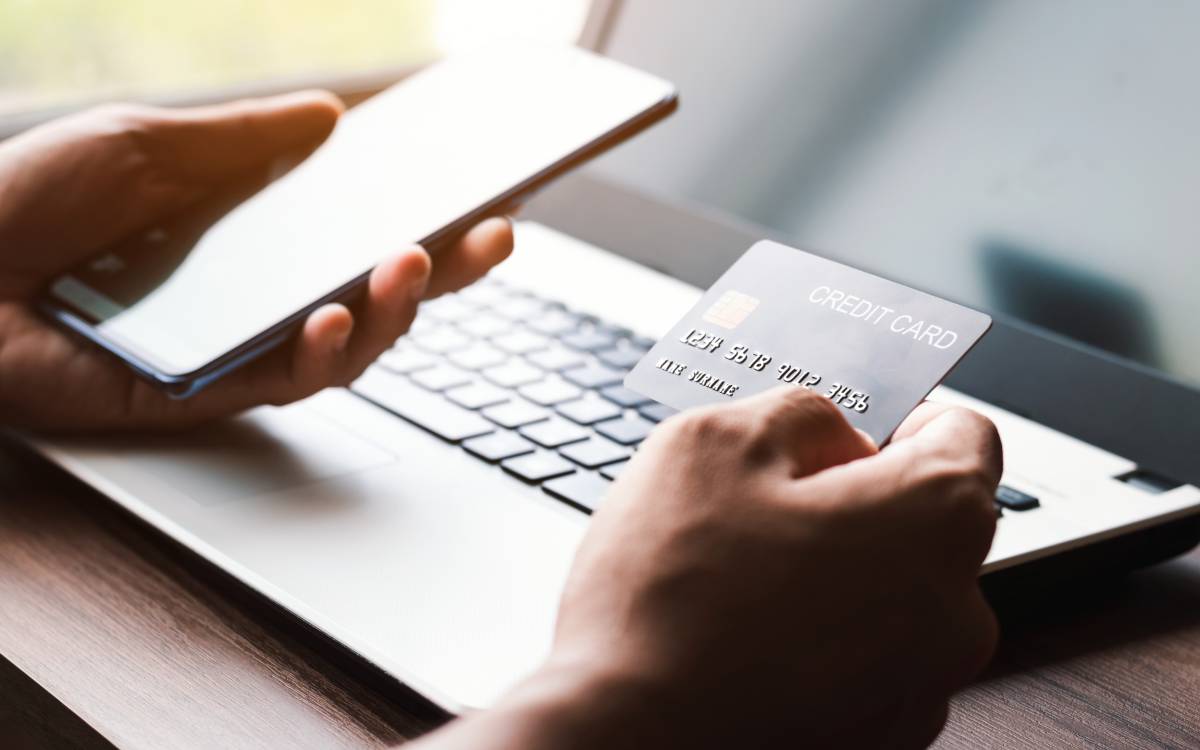
Credit cards often provide stronger protection than debit cards when shopping online. If someone misuses your credit card information, you can report the charge and have it investigated before paying. With debit cards, however, the money leaves your account immediately, and recovering it can be harder.
When making online payments, try to use credit cards instead of debit cards, cashier’s checks, money orders, or direct cash. Credit cards give you the option to dispute a charge and recover lost funds. Many card issuers today offer fraud protection and support, including 24/7 fraud monitoring, zero-liability policies for unauthorized charges, and advanced technology to detect suspicious activity.
The Editorial Team at Modern60 is a group of highly skilled professionals with diverse backgrounds in journalism, content creation, editing, and digital media. They bring a wealth of experience and expertise to ensure that every piece of content meets our strict editorial guidelines and quality standards. The team is dedicated to delivering accurate, well-researched, and engaging content across various subjects, including health, wellness, lifestyle, and current events. With their commitment to upholding the highest standards of journalism and content creation, the Modern60 Editorial Team is the driving force behind our mission to empower and inspire our readers.









There are no comments yet